
If you’ve ever tried finding book content warnings before, you know it isn’t always a simple, straight forward process. Below, I will list 3 easy ways to find content warnings for the books you want to read! ( A “content warning” is a term used for topics and situations that may be triggering, or that a reader may want to avoid.)
1. Use Busy Moms Read Too
Busy Moms Read Too is a free content guide website for over 650 books (and growing) that provides insights on sexual content, cursing, violence, substance use, prejudices, religious themes, and more.
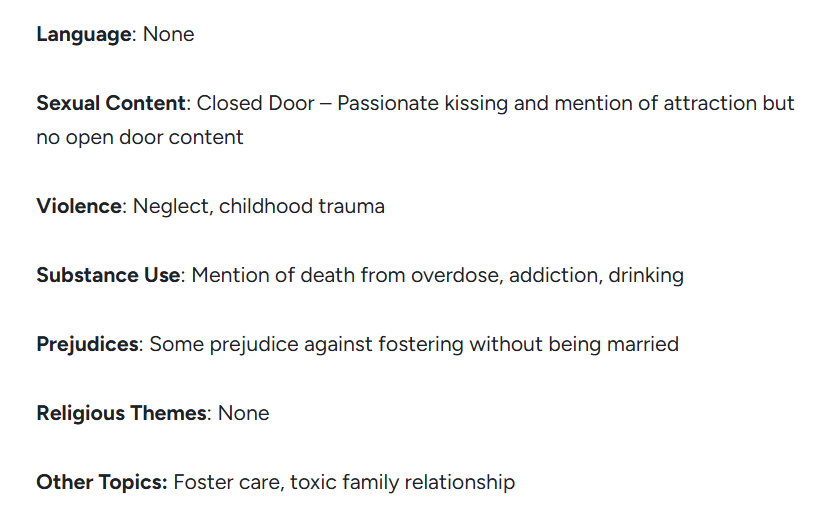
You can simply search for a title and see if it’s available. If it isn’t, you can request for a book to be reviewed. The process is simple and easy to follow, making finding content warnings extremely easy. Click here to see the website.
2. Goodreads Desktop/Browser Search Feature
This will only work on a desktop or browser, not the app, but you can use Goodreads to search for specific key words in all the reviews submitted. Once you search and click on the book in Goodreads, scroll down to the review section that says “Community Reviews”. There will be a search bar with the words “Search review text.” You can type in any key word you’d like for more information.
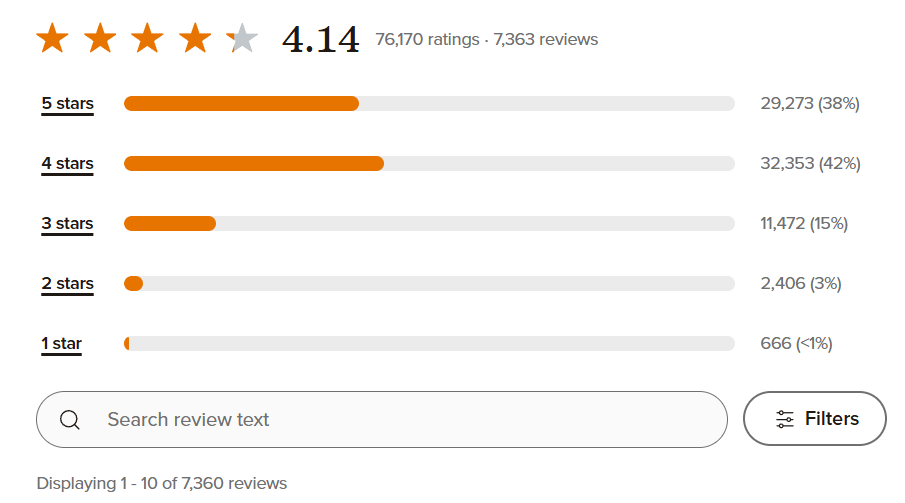
For example, if you want to know whether a book is closed or open door, you can search for the term “spice” or “romance” and all the reviews with those key words will pop up. My favorite way to find content warnings is by typing in the keyword “content”, which will bring up all the reviewers submitted by book reviewers who put content warnings in their reviews.
3. Search Fable or StoryGraph for Content Warnings
Both Fable and StoryGraph are apps similar to Goodreads for bookworms to track their reading. Upon entering a book review, these apps give users the opportunity to add content warnings for other users to look up. On Fable, you can add content warnings and spice levels before submitting a review. It does not give many specifics or levels of severity, but is a good start with romance rating from PG to Explicit. (Fable also has social media posts and virtual book clubs! You can join here.)

The StoryGraph goes further with their content warnings with levels ranging from minor, to moderate, and graphic. It is in a separate tab so avoid spoilers, if you wish. (Check out the The StoryGraph here.)
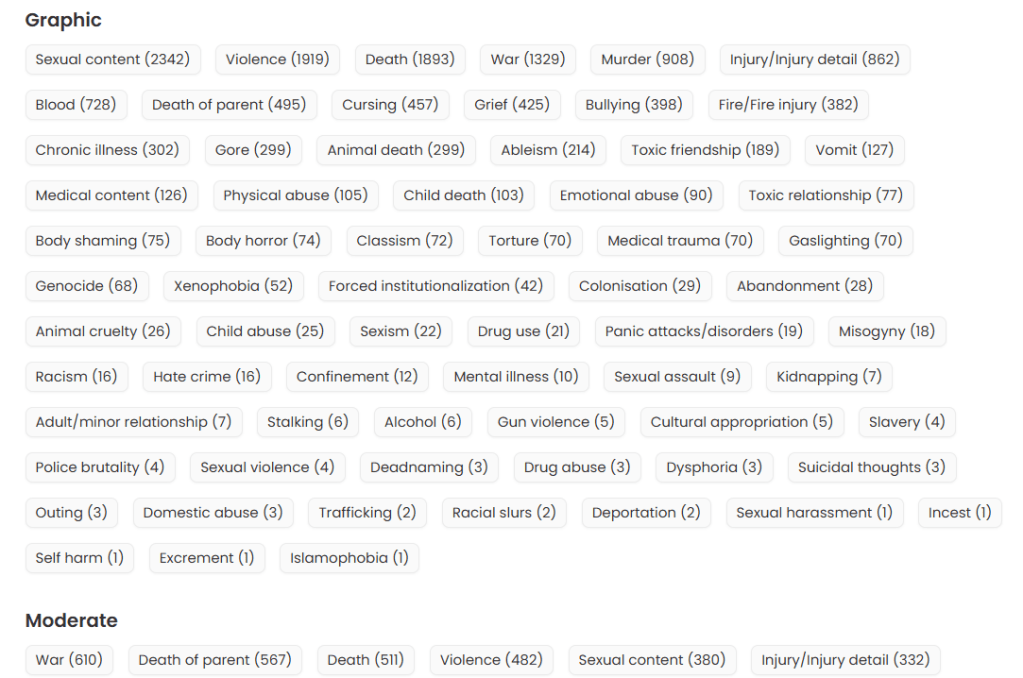
Book content warnings can be really difficult to find… but these three methods may make that process easier. I hope it helps you find the best books for you! Please comment below with any extra tips you may have. Happy reading!

Leave a comment